Description
Most Emails Exclude Users — Learn How to Fix That
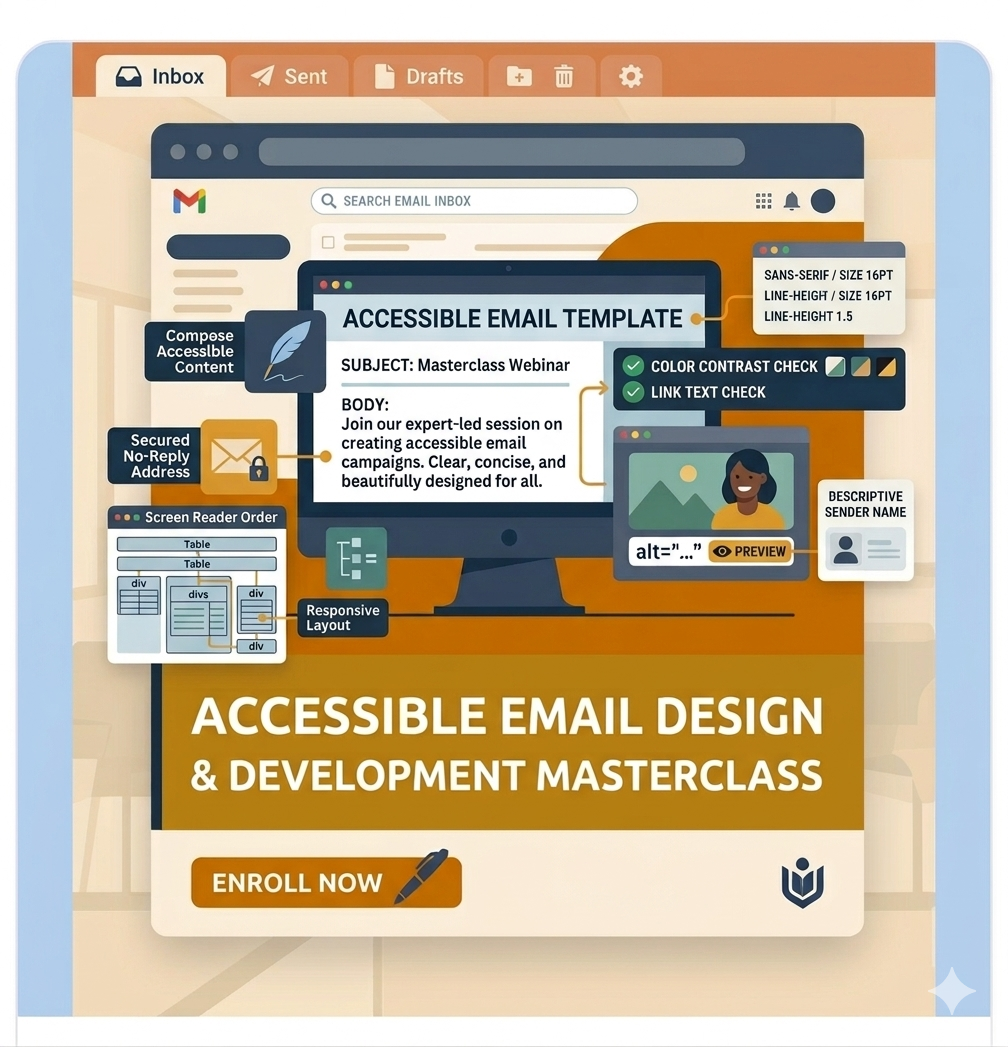
Emails remain one of the most important communication channels for businesses, organizations, educators, nonprofits, and marketers. Yet many emails are still difficult—or impossible—to use for people with disabilities.
Poor contrast, missing alt text, inaccessible layouts, vague links, image-only content, and broken HTML can create serious barriers for users who rely on screen readers, keyboard navigation, magnification tools, or mobile accessibility features.
This course teaches you how to create accessible emails that are readable, usable, and effective for everyone.
Whether you send internal communications, newsletters, promotions, transactional emails, or automated campaigns, you’ll learn practical methods to improve accessibility while maintaining design quality and performance.
What You’ll Learn
By the end of this course, you will be able to:
- Understand why email accessibility matters for users and organizations
- Apply WCAG principles to email communications
- Write better alt text for marketing and functional images
- Improve typography, readability, spacing, and hierarchy
- Create accessible calls-to-action, buttons, and links
- Design newsletters with clear structure and navigation
- Build accessible HTML email templates
- Use layout tables responsibly with proper semantics
- Improve mobile and responsive email accessibility
- Test emails with screen readers and keyboard navigation
- Validate contrast, compatibility, and usability across clients
- Build accessible transactional and automated emails
- Create internal accessibility standards for your team
Course Modules
Module 1: Foundations of Email Accessibility
Learn key concepts, common barriers, user needs, legal considerations, and assistive technologies.
Module 2: Accessible Everyday Emails
Improve fonts, formatting, contrast, images, links, attachments, and document structure.
Module 3: HTML Email Development
Build accessible email templates using semantic HTML, responsive techniques, and compatible patterns.
Module 4: Newsletter & Campaign Accessibility
Design inclusive newsletters, promotional campaigns, and marketing emails.
Module 5: Testing & Validation
Use manual testing, screen readers, keyboard checks, and automated tools.
Module 6: Advanced Topics
Dark mode, multilingual emails, legal compliance, accessibility statements, and governance.
Module 7: Capstone Project
Create a complete accessible email campaign with testing documentation.
Module 8: Resources & Career Growth
Tools, communities, continued learning, and accessibility career opportunities.
Who This Course Is For
This course is ideal for:
- Email marketers
- CRM and lifecycle marketing teams
- Designers working on email campaigns
- Front-end developers building email templates
- Content authors and copywriters
- Accessibility professionals
- Corporate communication teams
- Agencies delivering email campaigns
- Anyone responsible for digital communications
Why This Course Matters
Accessible emails help organizations:
- Reach more people
- Improve readability and engagement
- Reduce complaints and friction
- Support aging users and mobile users
- Strengthen brand reputation
- Align with WCAG, ADA, EAA, Section 508, and internal inclusion goals
Accessibility is not just compliance—it is better communication.
Practical, Real-World Learning
This is not theory-heavy training. You’ll get:
- Real examples of good and bad emails
- Code samples for accessible HTML email
- Testing checklists
- Hands-on exercises
- Templates and reusable patterns
- Step-by-step improvement strategies
Course Format
- Self-paced online learning
- Text-first lessons for fast learning and easy reference
- Downloadable resources
- Practical assignments
- Capstone project
- Certificate of completion
Why LearnAccessibility
We focus on practical digital accessibility skills that professionals can apply immediately. Our training is built for real teams, real workflows, and real outcomes.
Enroll Today
Start creating emails that everyone can read, understand, and act on.
Learn how to design inclusive newsletters, build accessible HTML emails, and improve every campaign you send.
Falak Bhutani (verified owner) –
This course made me realise how many accessibility issues can hide in something as simple as an email. The real-world examples around images, links, attachments, layouts, and email-client compatibility are particularly useful. I also appreciated the balance between practical email creation and more advanced topics like interactive content, dark mode, motion, and accessibility auditing.