Description
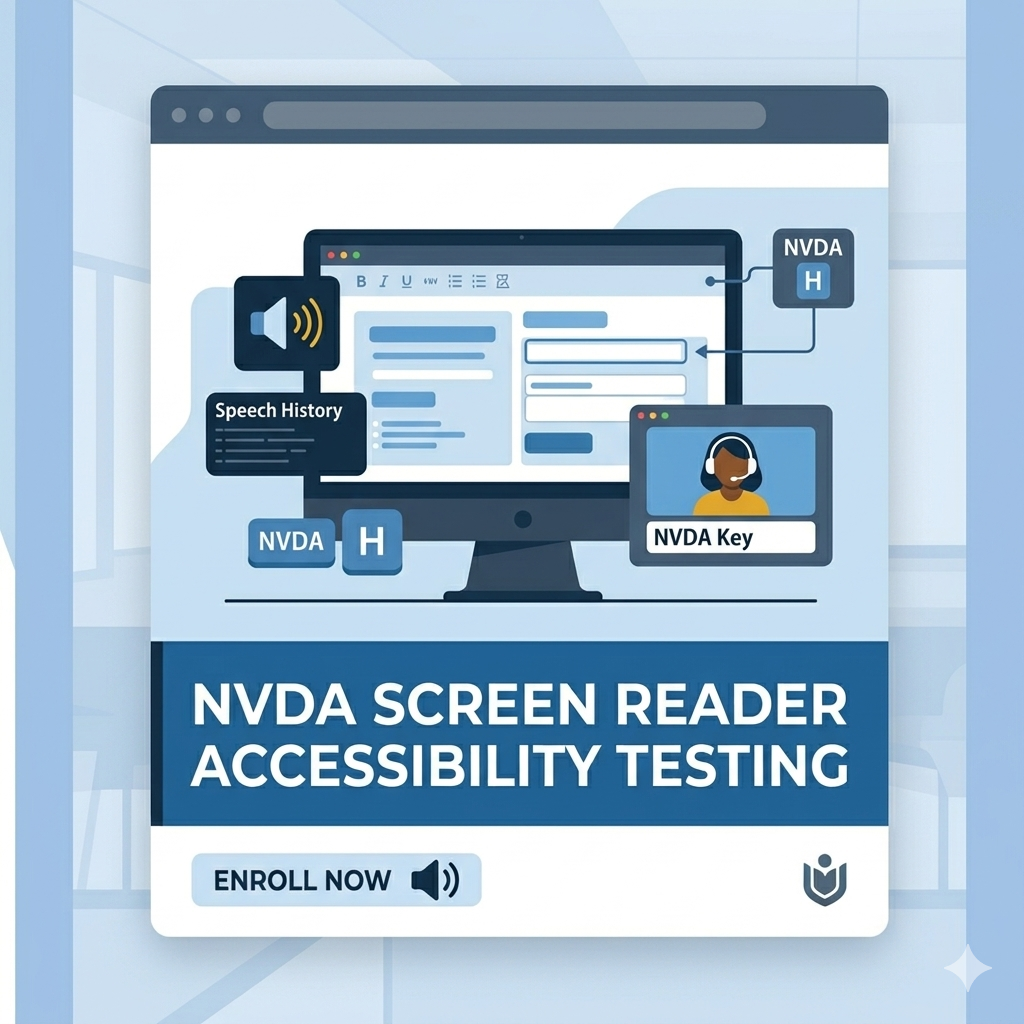
Master real-world accessibility testing using the NVDA screen reader through this comprehensive, hands-on certification course from LearnAccessibility.
This course is designed specifically for accessibility testers, QA engineers, developers, auditors, compliance professionals, and digital teams who want to confidently test websites and web applications using one of the world’s most widely used free screen readers.
Unlike beginner-level NVDA tutorials that focus only on basic navigation, this course is built around practical accessibility testing workflows aligned with WCAG 2.1 and WCAG 2.2 standards. You will learn how screen reader users interact with websites and applications, how to identify accessibility barriers, and how to document issues professionally during audits and QA testing.
The course starts with the fundamentals of NVDA, including installation, configuration, speech settings, browse mode, focus mode, and essential navigation commands. From there, the training moves into structured accessibility testing methodologies covering page structure, headings, landmarks, links, buttons, forms, tables, images, live regions, and advanced ARIA widgets.
You will gain practical experience testing:
- Page titles, headings, and landmarks
- Keyboard accessibility and focus order
- Links, buttons, and interactive controls
- Forms, labels, validation, and error handling
- Data tables and structured content
- Images, SVGs, and multimedia accessibility
- Live regions and dynamic content updates
- Modals, accordions, tabs, comboboxes, and ARIA widgets
- Browser compatibility across Firefox, Chrome, and Edge
The course also focuses heavily on professional accessibility audit workflows, including:
- Capturing screen reader output using Speech Viewer
- Writing effective accessibility bug reports
- Mapping issues to WCAG Success Criteria
- Understanding severity and priority levels
- Integrating NVDA testing into QA and accessibility audit processes
A major focus of this training is helping learners understand what accessibility actually sounds like to screen reader users. Instead of treating accessibility as a checklist exercise, the course teaches practical testing approaches based on real user interaction patterns and assistive technology behavior.
By the end of the course, learners will be able to independently perform screen reader accessibility testing using NVDA, identify common accessibility failures, validate WCAG compliance, and contribute effectively to accessibility audits and remediation projects.
Who This Course Is For
- Accessibility testers and auditors
- QA professionals and software testers
- Front-end developers
- Accessibility consultants
- Compliance and governance teams
- Digital accessibility professionals
- Teams responsible for WCAG compliance
- Anyone interested in learning practical screen reader testing
What You Will Learn
- Configure NVDA for consistent accessibility testing
- Understand browse mode and focus mode behavior
- Use quick navigation commands effectively
- Test semantic structure and reading order
- Validate forms, labels, and error messaging
- Test ARIA widgets and dynamic interfaces
- Identify keyboard and focus management issues
- Create professional accessibility bug reports
- Map findings to WCAG 2.1 and 2.2 Success Criteria
- Build repeatable accessibility testing workflows
Course Outcome
After completing this course, learners will have the practical skills required to perform manual screen reader accessibility testing using NVDA in professional accessibility audits, QA workflows, and WCAG compliance projects.
Prem khan (verified owner) –
This is a very comprehensive course. One module that truly left me open-mouthed was “5 Dangerous Mistakes in NVDA Testing.” If I had known these earlier, they would have saved me a lot of time. Even today, many testers continue to make the same mistakes repeatedly. This course is incredibly valuable for gaining a complete understanding of how NVDA interacts with content and how accessibility testing should be done effectively.
Raghavendra Satish Peri (verified owner) –
An excellent course for anyone who wants to learn NVDA screen reader testing. The lessons are practical, easy to follow, and provide a strong foundation for understanding how people with visual disabilities navigate digital content using NVDA. Highly recommended for accessibility testers and developers.
Falak Bhutani (verified owner) –
A highly practical course for anyone looking to build real-world screen reader testing skills. I especially liked the progression from NVDA basics and navigation techniques to testing forms, tables, media, and complex ARIA widgets. The sections on bug documentation, WCAG mapping, and building a repeatable testing workflow make it particularly valuable for professional accessibility testing.