Description
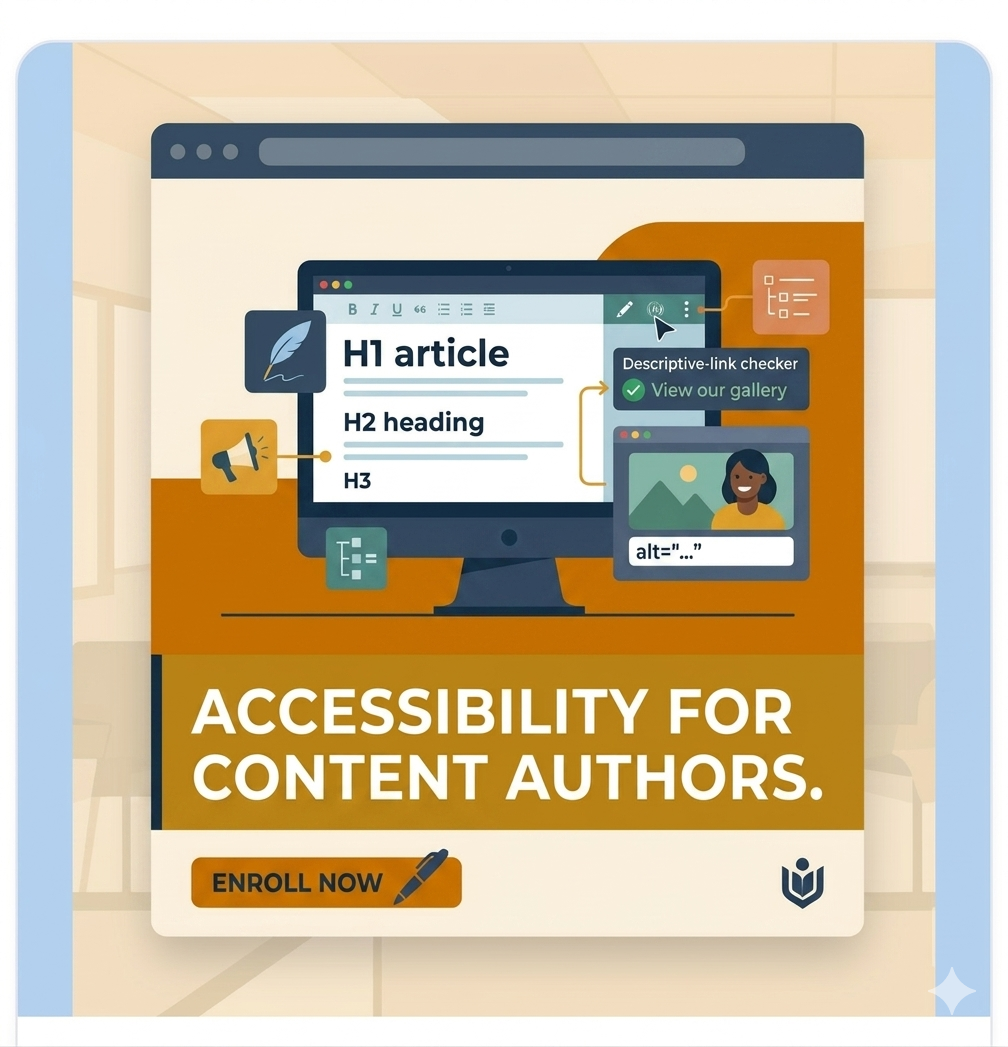
Web Accessibility for Content Authors
Create accessible digital content with confidence.
This practical course teaches writers, editors, marketers, CMS users, and communication teams how to create pages, blogs, documents, emails, videos, and social media content that works for everyone — including people with disabilities.
Learn how to prevent common accessibility mistakes, improve usability, and support WCAG compliance goals without writing code.
Why This Course Matters
Most accessibility barriers are introduced during content publishing, not development.
Missing alt text, unclear links, poor heading structure, inaccessible documents, inaccurate captions, low contrast text, and confusing forms can prevent users from accessing information.
These are content problems — and content teams can solve them.
This course gives you the practical skills to identify, fix, and prevent those issues using real-world examples and plain language guidance.
What You Will Learn
By the end of this course, you will be able to:
- Structure pages with correct headings, titles, and lists
- Write meaningful alt text for images
- Create clear, descriptive link text
- Write accessible labels, hints, and error messages for forms
- Caption and transcribe multimedia content accurately
- Create accessible Microsoft Word documents and tagged PDFs
- Identify and fix colour contrast issues
- Publish accessible content across major social media platforms
- Use accessibility tools such as screen readers and checkers
- Understand WCAG requirements and global accessibility laws
- Build an accessible publishing workflow for your team
- Complete a final assessment and earn certification
What You Get
- 12 in-depth training modules
- 80+ practical exercises with model answers
- Quizzes throughout the course
- Final certification assessment
- Downloadable checklists and reference resources
- Lifetime access to course materials
- Certificate of Completion
- Self-paced learning (start anytime)
Course Highlights
- Designed for non-technical professionals
- No coding skills required
- Real examples from websites, documents, forms, and campaigns
- Actionable lessons you can apply immediately
- Suitable for individuals and teams
- Supports accessibility maturity across organisations
Course Curriculum
| No. | Module Title | Key Topics | Duration |
|---|---|---|---|
| 1 | Accessibility Foundations | Disability types, inclusive design, content author responsibility, legal overview | 50 min |
| 2 | Organising Content for Navigation | Headings, hierarchy, lists, page titles | 65 min |
| 3 | Writing for Clarity | Plain language, readability, active voice, multilingual writing | 75 min |
| 4 | Images, Visuals, and Alt Text | Alt text decision making, captions, images of text | 70 min |
| 5 | Links That Make Sense | Descriptive links, CTAs, downloads, new tab warnings | 50 min |
| 6 | Forms, Labels, and Error Messages | Labels, hints, errors, validation messaging | 70 min |
| 7 | Multimedia Accessibility | Captions, transcripts, audio descriptions | 65 min |
| 8 | Accessible Documents | Word styles, tables, PDF export, checkers | 75 min |
| 9 | Colour and Contrast | WCAG contrast ratios, testing tools, approvals | 45 min |
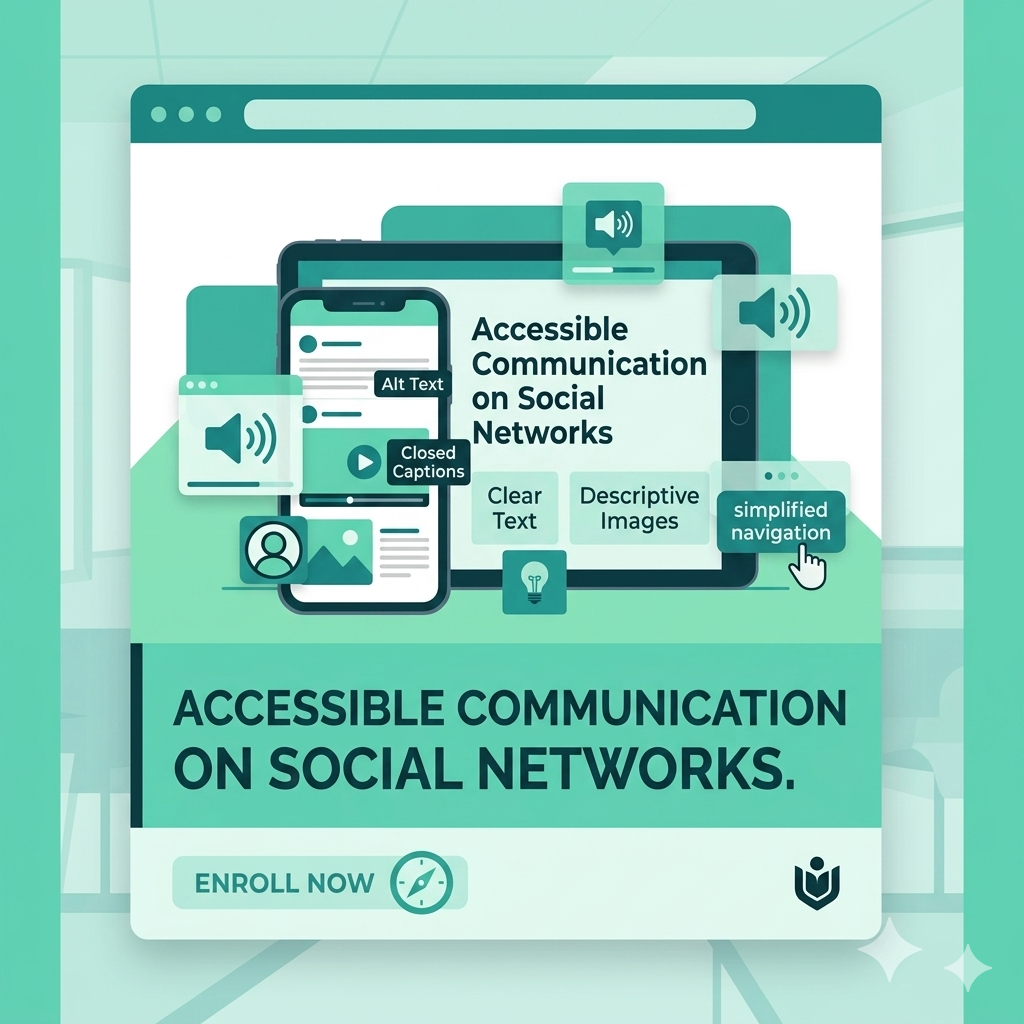
| 10 | Social Media Accessibility | Alt text, CamelCase hashtags, captions, emoji use | 45 min |
| 11 | Checking Your Own Content | NVDA, VoiceOver, WAVE, axe DevTools, pre-publish routine | 50 min |
| 12 | Capstone, Compliance and Certification | Content audit, final quiz, certificate | 75 min |
Who This Course Is For
This course is ideal for anyone who creates, edits, reviews, or publishes digital content.
- Content writers and editors
- Marketing and campaign teams
- CMS authors and website publishers
- UX writers and content designers
- Social media managers
- HR and internal communications teams
- Trainers and course creators
- Universities, government, and enterprise teams
- Freelancers managing client content
No technical background required.
Important Note
This course focuses on content accessibility rather than developer-level coding remediation such as HTML, ARIA, JavaScript, or engineering audits.
If your role involves publishing content, this course is built for you.
Outcomes for Individuals and Teams
After completing this course, you can help your organisation:
- Reduce content-related accessibility errors
- Improve user experience for everyone
- Support legal and policy compliance efforts
- Prepare for accessibility audits
- Build inclusive publishing standards
- Strengthen brand trust and reach wider audiences
Certification
Complete the final assessment with a passing score to receive your DigitalA11Y University Certificate of Completion.
Great for internal training records, professional development, and demonstrating accessibility commitment.
Prerequisites
No prior accessibility knowledge required.
You only need:
- A computer with internet access
- Modern browser (Chrome, Firefox, Edge, or Safari)
- Microsoft Word or Google Docs (recommended for document exercises)
Enrol Today
Build the practical accessibility skills every content team needs.
Start immediately, learn at your own pace, and create content that includes everyone.
Falak Bhutani (verified owner) –
A course that understands the unsung importance of content authors. It makes accessibility feel less like a technical obligation and more like a discipline of good communication. From headings and alt text to social media, documents, and multimedia, it deftly shows that accessible content is, quite simply, better content.